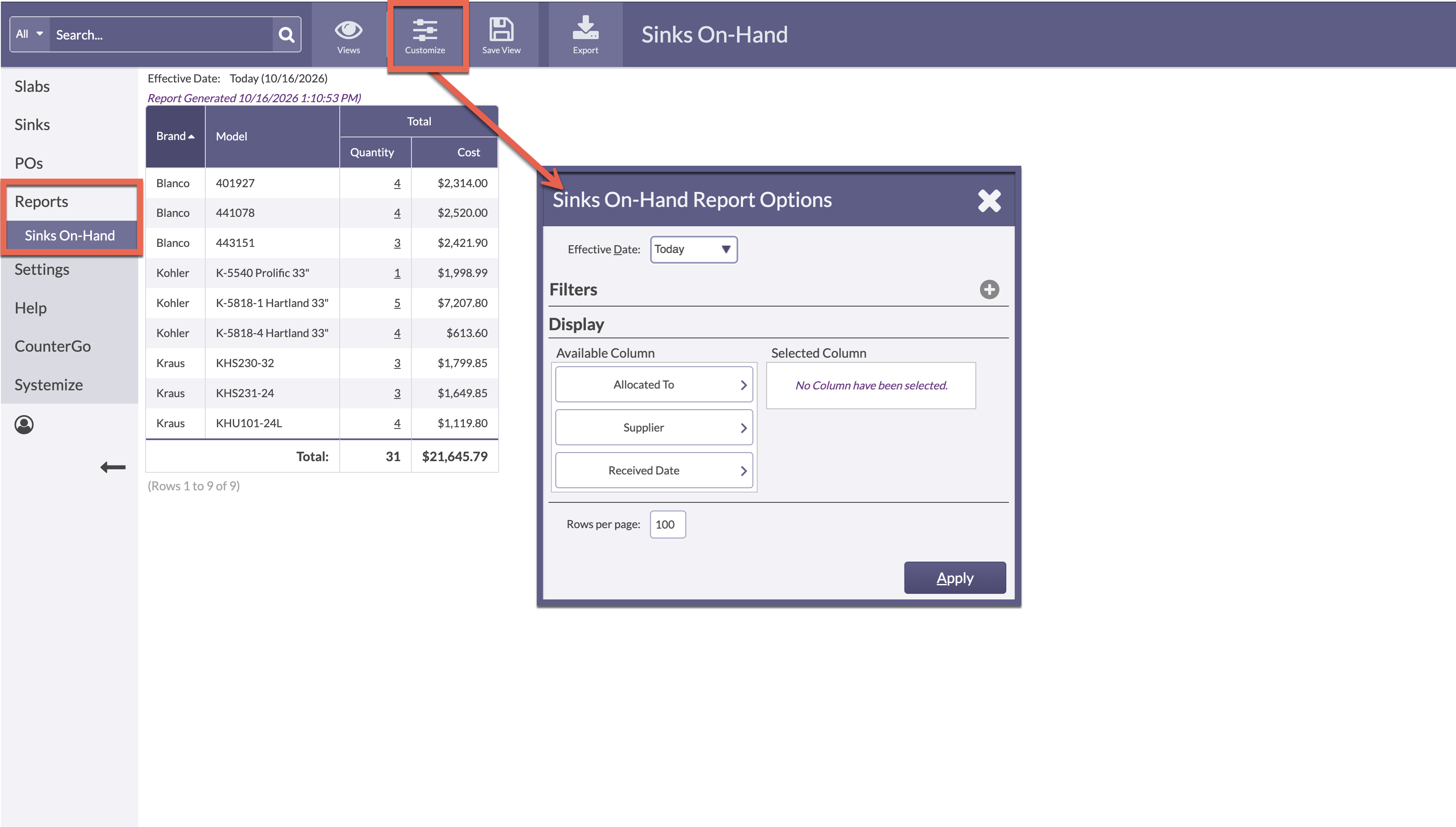
Inventory offers basic Reports for quick totals of On-Hand Sinks or Consumed Sinks.
Filter and select Display options by using the Customize button. Reports can be filtered with preset Filters, have Display customizations, as well as how many rows to view per page.
By default the Date is set to today, or a Specific Date can be selected. The Display columns also have customization options, as well as how many rows to view per page.
Once customized, Save the View for quick access later. Or export to a program like Excel or Google Sheets using the Export button at the top.
- Go to Reports > select either Sinks Consumed or Sinks On-Hand > Customize.
-
Click the Customize button > Select any Filters and options to Display > Apply.