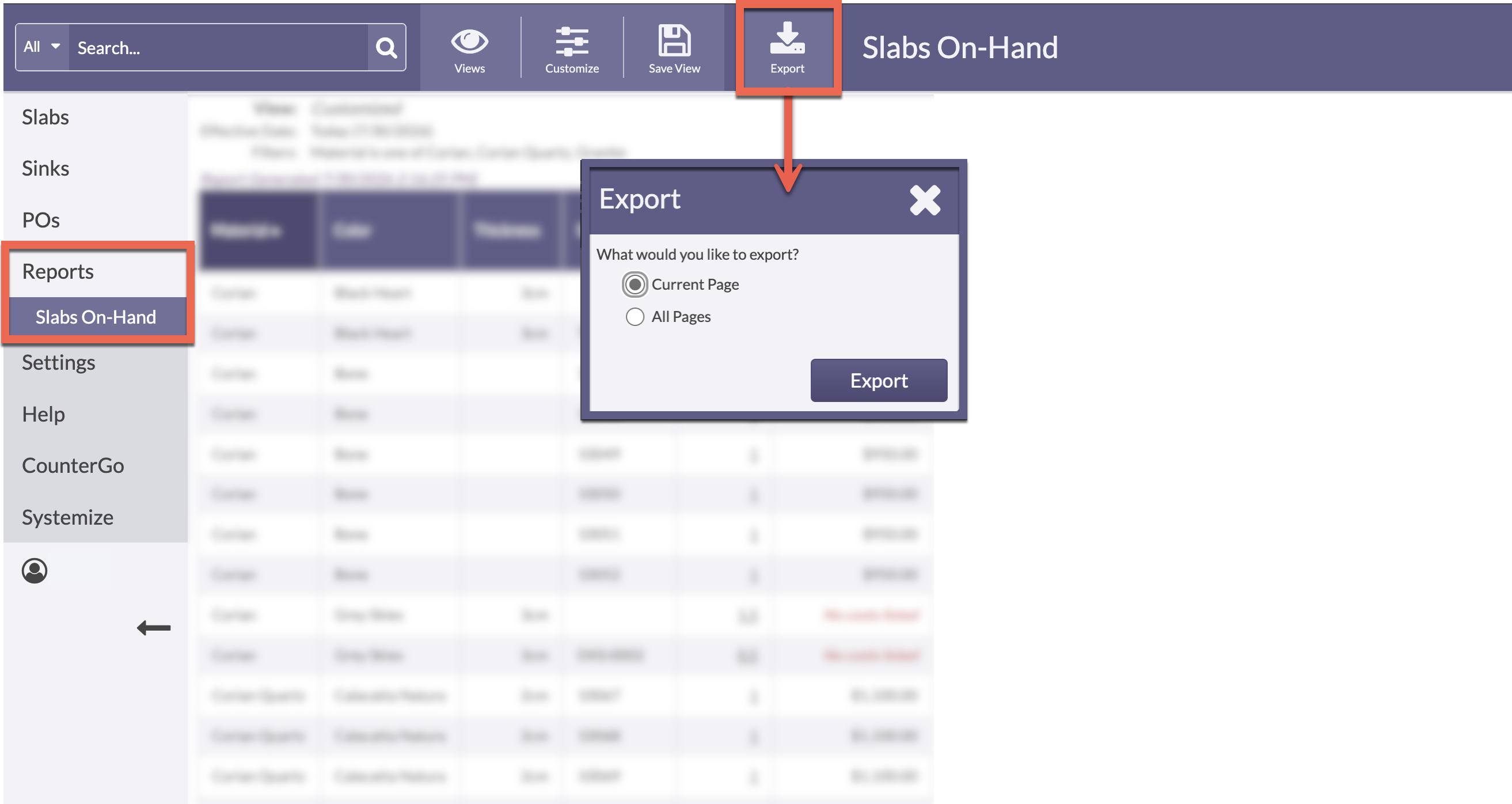
Need to analyze your Moraware Inventory data in another program? After customizing a Report, click the Export button to download it as a CSV file that you can open in programs like Excel, or Google Sheets.
-
Use the Customize button to select Filters, and Display columns.
-
Click the Export button and select to export wither the current page or all pages, if there is more than one page of the report.
-
The CSV file will download to your Downloads folder, where you can then upload it to the program of your choice.